Quote, Invoice & Tax-Receipt Software for HVAC & Refrigeration
From the first quote to the paid invoice, R-Pro covers it from both ends: issue a receipt on the spot with the field app, or build detailed quotes and tax invoices in the office ERP — the numbers stay the same on both.
Quotes · Invoices · Tax
In the office — quotes, invoices, tax documents
- Build itemized quotes and estimates, including construction-style breakdowns.
- Turn an approved quote into an invoice or tax invoice in one step.
- Set your own tax name (VAT, GST, sales tax) and rate — it prints on every document.
- Export clean PDFs to send or print for the customer.
On site — issue a receipt on the spot
- Finish a job and hand the customer a receipt right there, from your phone.
- The job’s parts and labor carry straight into the billing — no re-typing.
- Works offline, so a weak signal on site never stops you.
One number, both places
- A receipt issued on site shows up in the office books automatically.
- Quotes, invoices and payments stay consistent across the field app and the ERP.
- Both are part of the same R-Pro account.
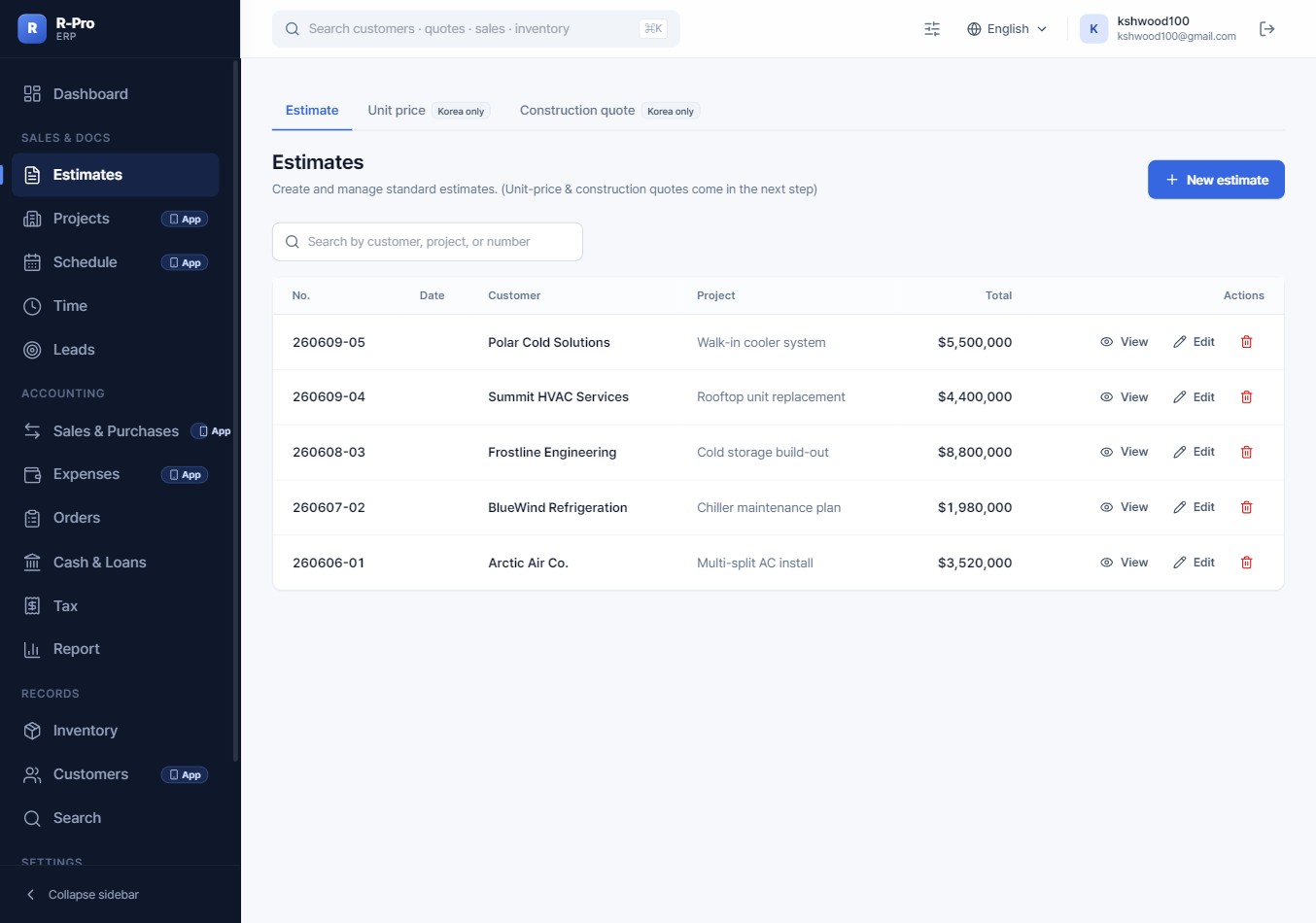
Quotes and invoices, field to office
Issue receipts on site with the R-Pro app and build full quotes, invoices and tax documents in the office ERP — one account, two tools.
Get R-Pro →FAQ
Can I issue a receipt from the job site?
Yes. The R-Pro field app lets you issue a receipt to the customer on the spot, and that record flows into the office ERP automatically.
Can I use my own country’s tax instead of VAT?
Yes. You set your own tax name (VAT, GST, sales tax, etc.) and rate in settings, and it appears on quotes, invoices and receipts.
Do quotes turn into invoices automatically?
An approved quote can be turned into an invoice or tax invoice in one step, keeping the same line items and totals.