HVAC & Refrigeration Business Software: Field App + Office ERP
A service business lives in two places at once — out on the unit, and back at the desk. R-Pro covers both with two tools that are each strong on their own and built to work together: the on-site field app, and the office ERP.
On the job — the R-Pro field app
- AI fault diagnosis built on 600+ real HVAC & refrigeration cases — symptom to cause to repair steps.
- Scan equipment nameplates and receipts; the data fills in automatically.
- Voice memos, photos, and per-customer service history that work with no signal on site.
- Issue a receipt to the customer right there on the job.
Back at the office — the full ERP
- Quotes and estimates, including itemized construction quotes.
- Invoices and tax invoices, with your country’s own tax name and rate.
- Accounting that tracks sales, purchases, expenses and net profit.
- Inventory, suppliers, purchase orders and a customer ledger.
Field and office, automatically connected
- A job you finish on site flows into the office books — no double entry.
- Customers, equipment and billing stay in sync across both tools.
- One subscription gives you both the field app and the full office ERP.
- Available in 10 languages for technicians and back-office staff alike.
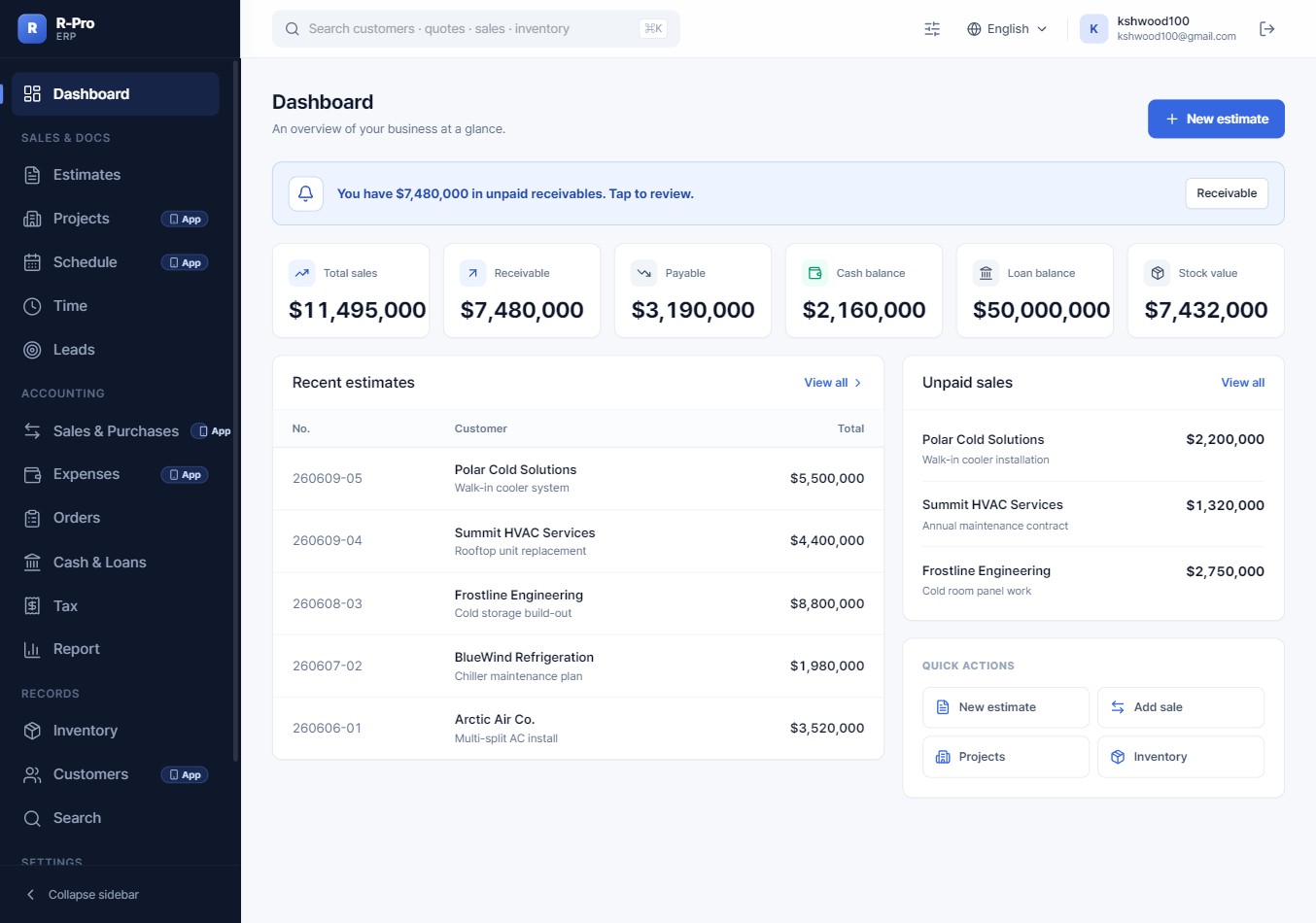
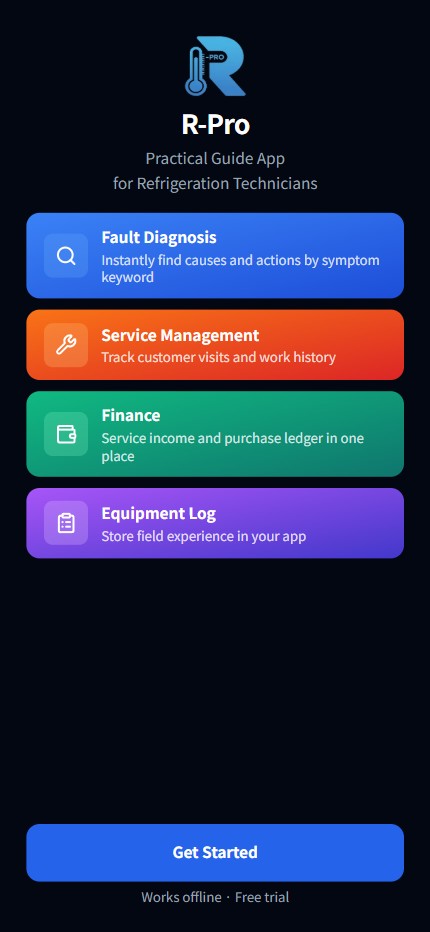
Two powerful tools, one workflow
R-Pro gives you a field app for the job site and a full office ERP for the back office — quotes, invoices, tax, accounting and inventory — working together in 10 languages.
Get R-Pro →FAQ
Is this a field app or an office program?
Both. R-Pro is two tools used together — a field app for on-site diagnosis and service, and a full office ERP for quotes, invoicing, tax, accounting and inventory. You get both with one R-Pro subscription.
Do I have to enter jobs twice — once on site and once in the office?
No. Work captured on the field app flows into the office ERP automatically, so customers, jobs and billing stay in sync without re-typing.
Can I set my own country’s tax?
Yes. The ERP lets you set your own tax name (VAT, GST, sales tax, etc.) and rate, and it appears on your invoices, receipts and estimates.
What languages are supported?
Ten languages, so both on-site technicians and office staff can work in their own language.